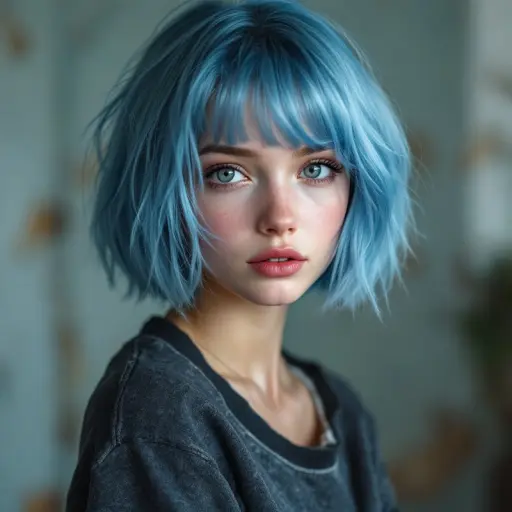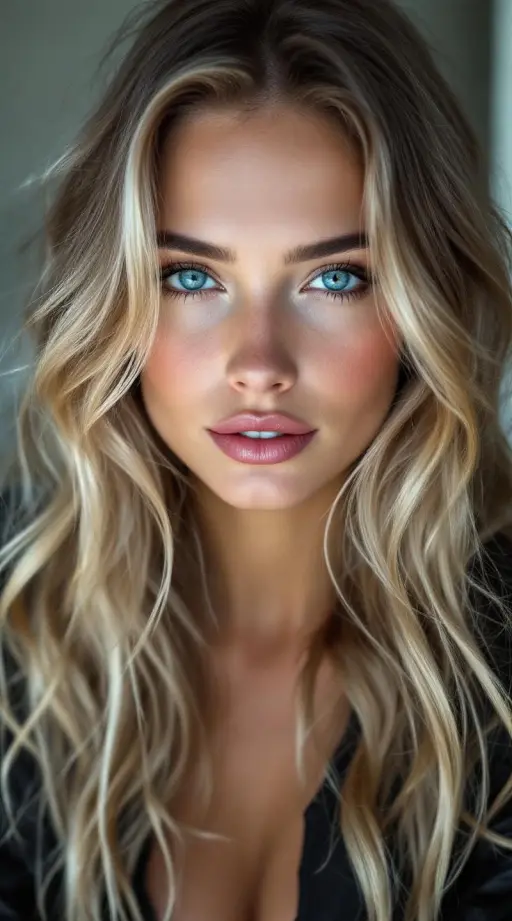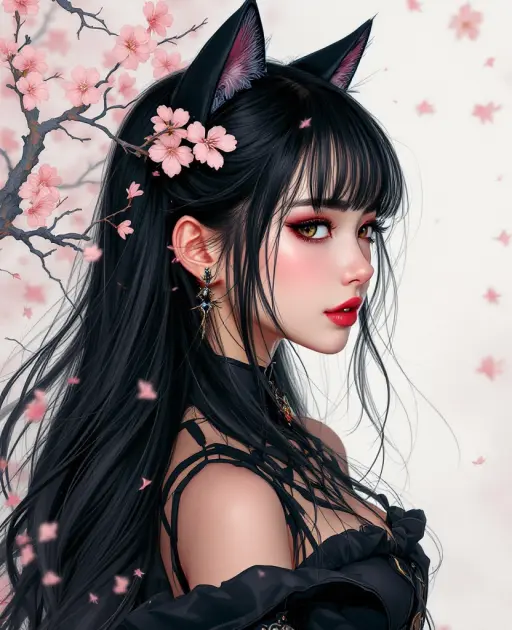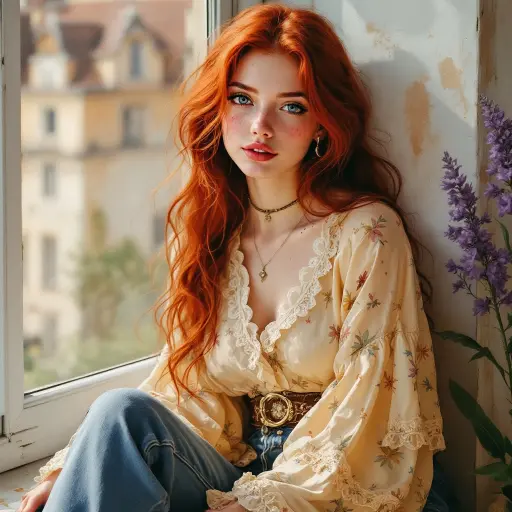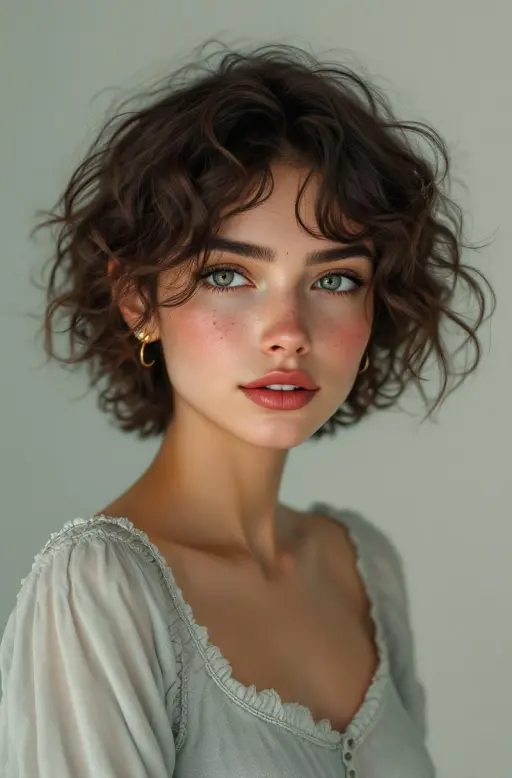
Words do a lot, but some moments need a picture. "I'm at the beach" is nice; a photo of the waves from where she's standing is a moment you share. That's why "AI girlfriend with pictures" is one of the most common things people look for in a romance chat app.
This guide explains how photos work on MateAura: where they come from, how to ask, what she'll send and what she won't. It also covers how to make photos part of the conversation instead of a slot machine.
How photos work on MateAura
Every character on MateAura has a gallery: photos of her, her places and her life, the same ones you can browse on her profile. A baker in Milan has her shop at dawn and her flour-dusted apron. A travel photographer has mountain passes and night markets. A musician has the stage, the van and the dressing-room mirror.
In the chat, she can send one of those photos when it fits the conversation:
- when you ask what she's up to,
- when she mentions a place or a moment worth showing,
- or when you ask for one directly.
The photo arrives with a line from her, so it's part of the conversation, not a file drop: "Hiding from the rain in my favourite café with way too much cake. Here, look."
How to ask for a photo
Three ways, from simplest to most fun:
- Just ask. "Send me a pic of where you are" or "Can I see your studio?" works.
- Tap the camera. On the website there's a camera button next to the message box. It asks for a photo with your message, and she'll send one.
- Ask about her life. The best photos come naturally. Ask what she did today, where she's going tonight, or what her city looks like in the rain, and she'll often show you.
Tap a line to try it on this page:
Say hi, then ask for a photo
The first reply comes before you sign up. Ask what she's doing right now.
Free to start · No credit card · Takes about 20 seconds
What she'll send, and what she won't
She will send: selfies, outfits, her workplace, her city, her hobbies, places she's travelled, moments from her day. They come from her published gallery, and every photo is reviewed by a person before it goes up.
She won't send: nudity, sexual or explicit images, or "custom" images generated from a description you write. MateAura is for ages 16 and over and romance stays at PG-13: flirting, dates, hugs and kisses in words. If you ask for something explicit, she'll turn it down in character, the way a real person with boundaries would.
We think that's the right trade. A gallery made for each character means her photos look like her, consistently, in her own world. On-demand generators drift: a different face in every picture, hands that go wrong, and a lot of content you didn't ask for. For more on keeping romance chat safe, see our SFW AI girlfriend guide.
Pro characters and what you can see
Most characters are free, and their open photos can be sent in chat. Pro characters have part of their gallery open on their profile; in chat they share the photos you can already see there. A photo arrives with a normal reply, so there's no separate per-picture price.
Making photos part of a real conversation
Some apps turn photos into a vending machine: ask, receive, ask again. It gets old fast. A few habits make it much better:
- React to the photo. "Is that your actual bike? Where were you going?" A photo is a conversation starter, not a reward.
- Share something back. Describe your own view, your outfit, your coffee. She'll ask about it.
- Let her surprise you. Some of the best photos arrive unasked, because something in the conversation made her think of it.
- Use them for dates. Planning a "date" in her city? Ask her to show you the restaurant, or the bridge you'll walk across after. The AI dating sim guide has more date ideas.
Photos when you're not chatting
In the MateAura app for iPhone and Android, a character can check in when your chat has gone quiet, and a later check-in sometimes comes with a photo: the lighthouse from her trip, the first snow outside her window. At most once a day, never at night, and never charged. More in AI that texts you first.
How MateAura compares
| Typical "AI girlfriend with pics" app | MateAura | |
|---|---|---|
| Where photos come from | Generated on request | Her own reviewed gallery |
| Same face every time | Often not | Yes |
| Explicit content | Often the selling point | Never: PG-13, 16+ |
| Photo fits the conversation | Rarely | That's how she chooses it |
| Price | Often per image | Comes with a normal reply |
Choosing who to talk to
Photos are best with a character whose life you're curious about. Some ideas:
- Travellers and photographers: a different place every week.
- Creatives: studios, stages, ateliers, works in progress.
- City people: cafés, rooftops, night trains. Ask for her favourite spot.
- Fantasy and anime characters: illustrated worlds with castles, forests and starships.
Browse AI women or the AI girlfriend page to find yours, or say hi to one of the characters on this page.
Why consistent photos matter
When people describe what made an AI character feel real, consistency comes up again and again: the same face, the same style, the same places, week after week. Image generators struggle with this. Ask for "a selfie" ten times and you can get ten slightly different people. That breaks the illusion faster than anything a character says.
Galleries solve it. Every photo of a MateAura character was made for that character and checked by a person before it went live, so the woman in today's café photo is the woman from her profile, in the same city, living the same life. That continuity is what lets a photo say "this is my life, and I'm sharing it with you" rather than "here's an image you requested."
Photos and privacy
The photos go one way: characters share pictures from their gallery. MateAura doesn't ask you to upload photos of yourself, and we'd suggest not sending personal images to any AI chat app. Your conversations are private, and you can delete a conversation or your whole account at any time.
Five conversation openers that lead to photos
Not sure how to start? These tend to produce great photos and good conversations:
- "What does your morning look like?" Coffee, a commute, a window, a dog that needs walking.
- "Show me the last place that made you happy." You get a story along with the picture.
- "What's on your desk right now?" Works brilliantly with artists, writers and anyone who builds things.
- "If I visited your city, where would you take me first?" A date and a tour in one question.
- "What are you wearing tonight?" Light, flirty, and it fits within the PG-13 line: an outfit, a mirror, a night out.
In short
On MateAura, an AI girlfriend with pictures means a character with her own reviewed gallery who sends photos when they fit the conversation or when you ask. They're selfies and moments from her life, consistent and never explicit. Ask what she's up to, react to what she shows you, and let the photos start conversations.